Live dashboard
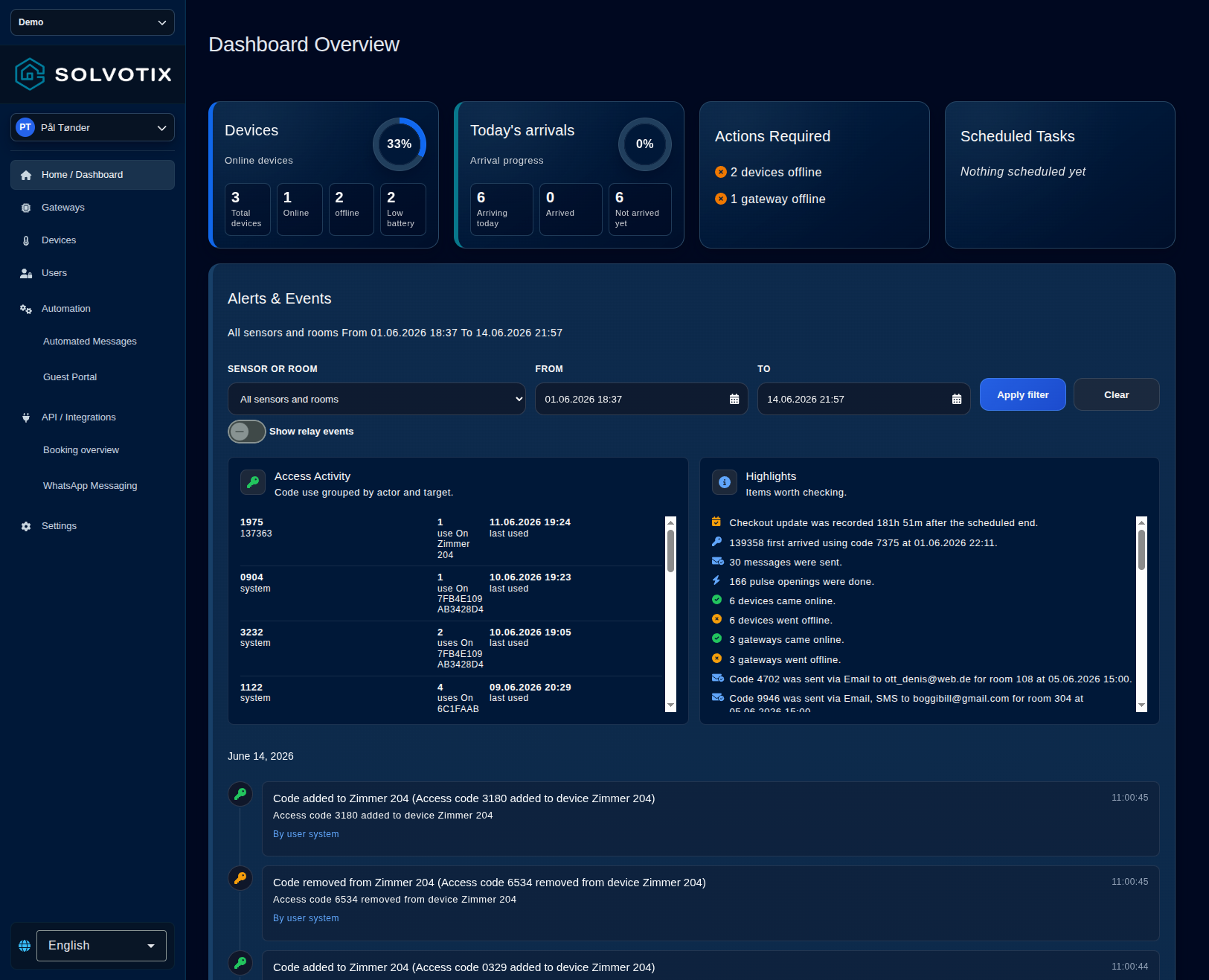
Track online devices, gateway health, alerts, temperature, required actions, and the tenant-wide event stream.

Solvotix Portal
Bring dashboards, access, connected devices, alerts, automation, messaging, integrations, sensors, and gateways into one web portal built for daily building operations.
Operations overview
The frontend is designed around real workflows: monitoring device health, controlling access, following events, reacting to alerts, and keeping buildings ready.
Track online devices, gateway health, alerts, temperature, required actions, and the tenant-wide event stream.
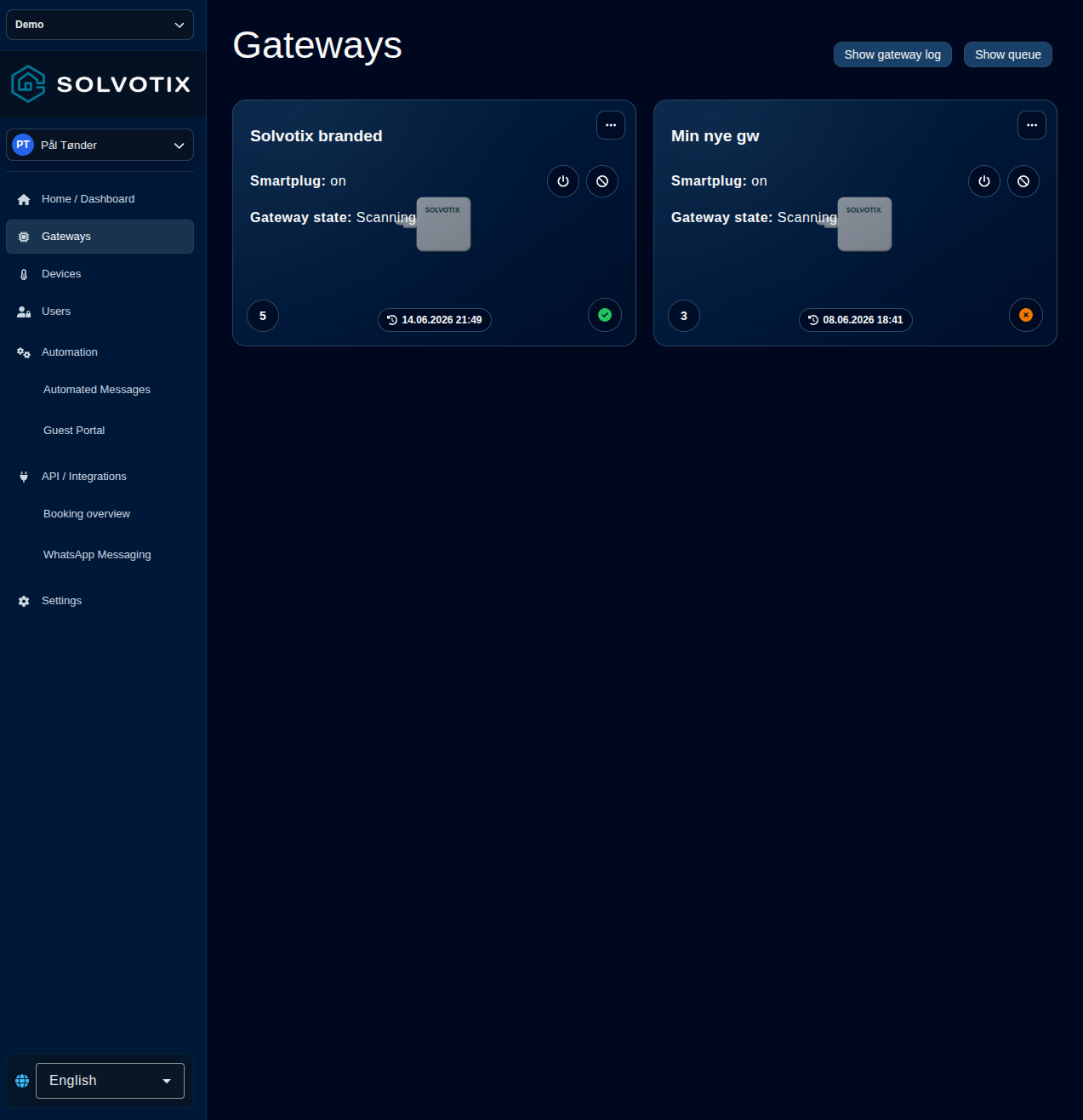
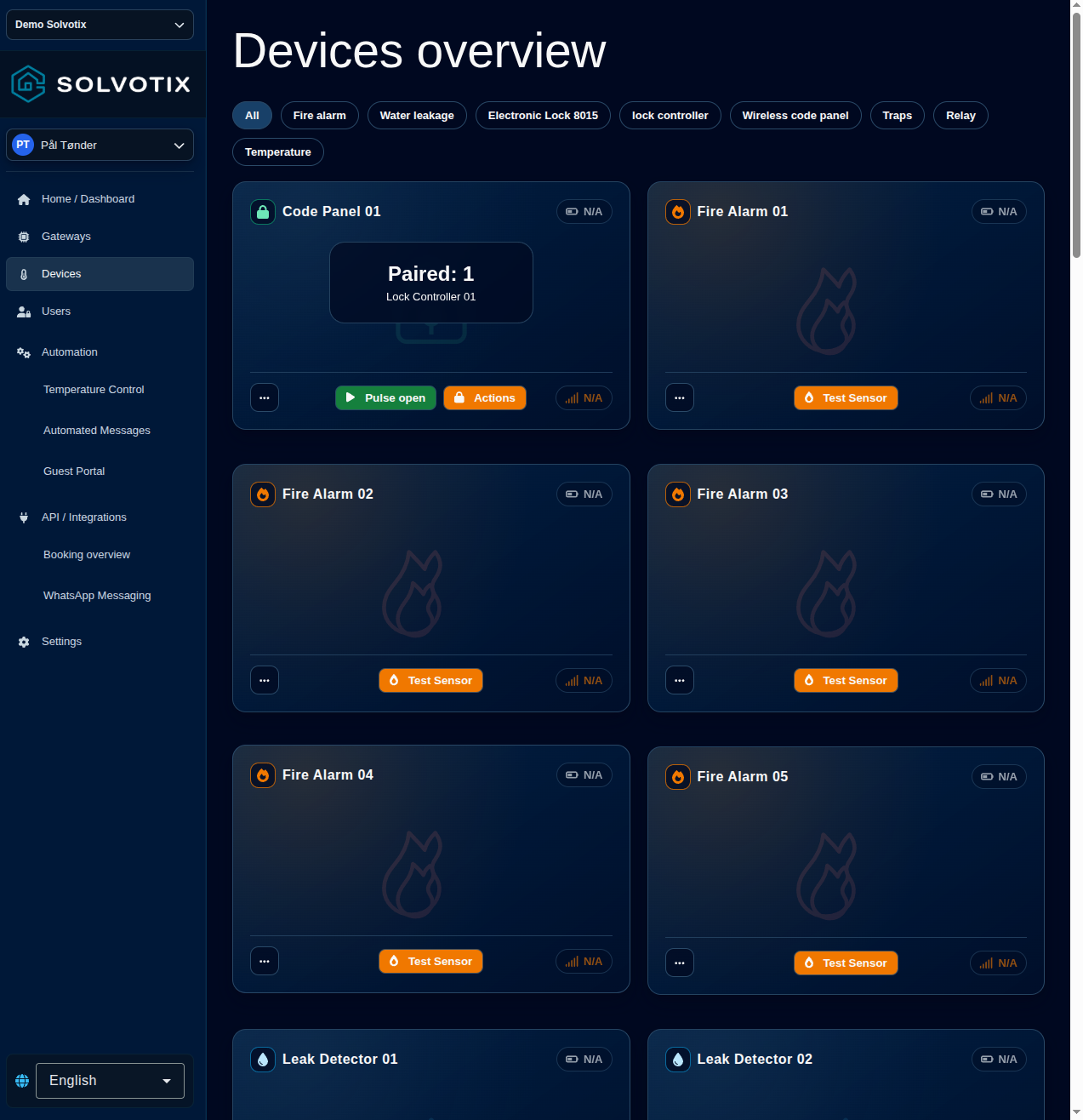
Manage gateways, sensors, smart relays, thermostats, batteries, firmware updates, and device status from one interface.
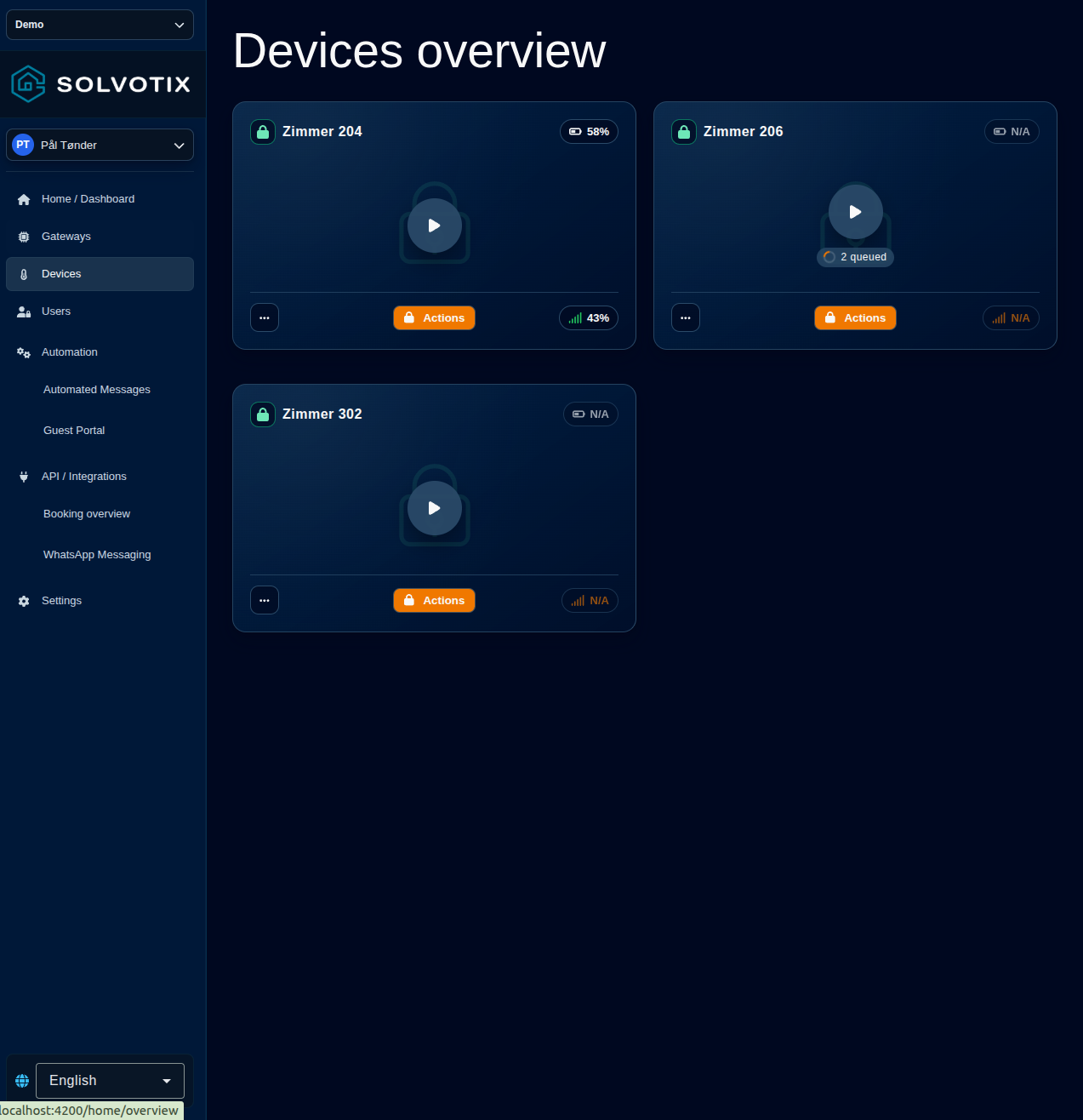
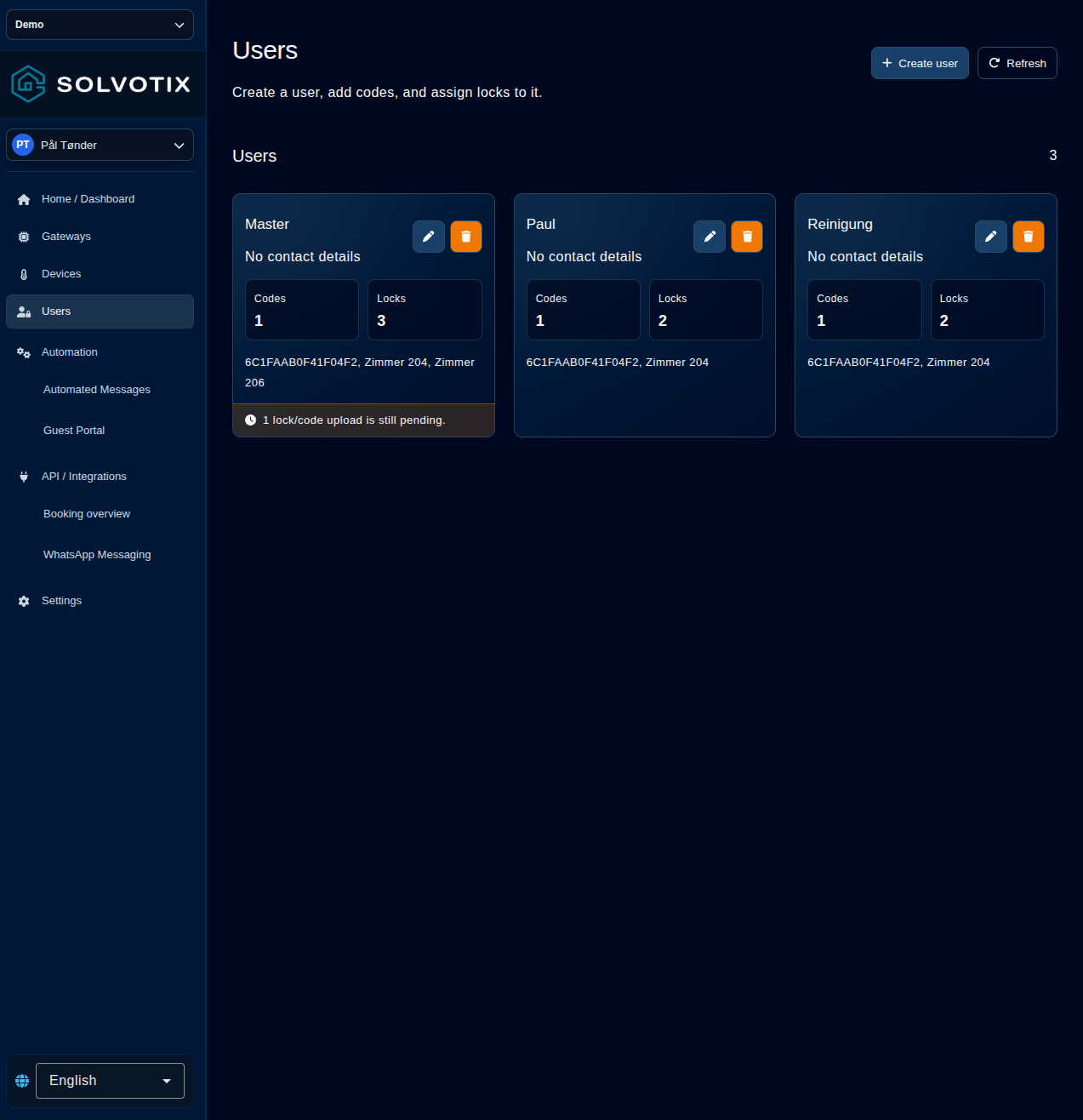
Control smart locks, access codes, lock users, access windows, and relay actions without switching tools.
Give staff dedicated views for rooms, zones, service states, occupancy context, access details, and task follow-up.
Inside the platform
Devices, arrivals, required actions, and a filterable stream of alerts and events in one place.
Self-service portal
Guests, tenants, residents, or staff can open one context-aware link for access details, messages, smart lock actions, climate readings, language choice, and AI assistance.
Automation suite
Operators can activate modules per tenant and configure the workflows that matter most for each building or property.
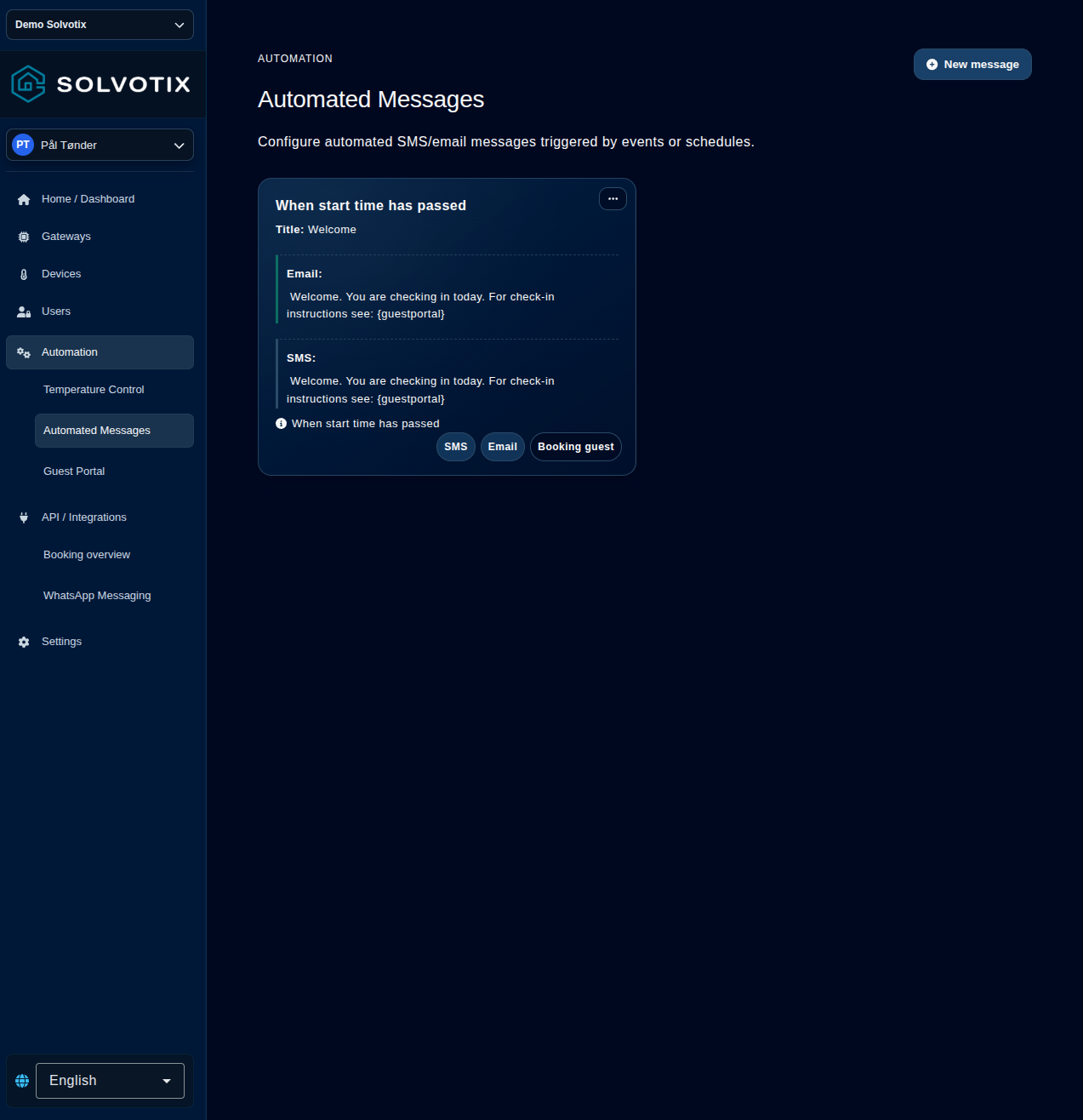
Configure SMS and email messages triggered by events, schedules, staff actions, access changes, or zone-specific conditions.
Set tenant-wide guardrails and zone-specific HVAC behavior based on sensors, relays, gateways, and occupancy.
Store building instructions, services, policies, and contact details so assistant chat can answer with site-specific context.
Operating flow
The frontend connects building systems, devices, automation, and staff views so operational updates can move without manual handoffs.
Integrations and manual entries keep rooms, zones, access context, schedules, and operational data available.
Locks, relays, sensors, messages, service states, and temperature rules follow the operational context.
Teams manage the full building view while users only see the actions and information allowed for their context.
Connected systems
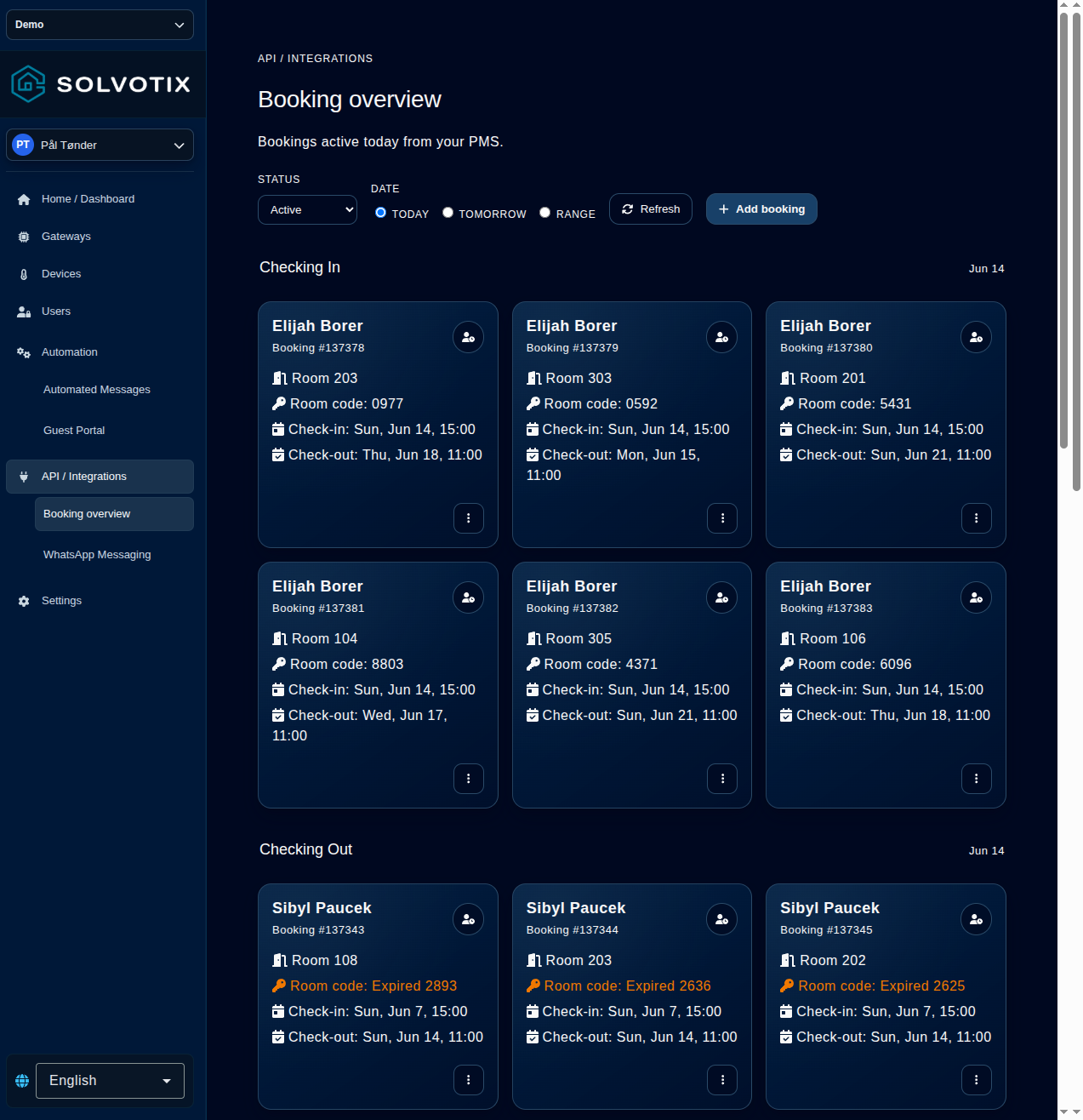
The frontend exposes configuration and operational views for integrations, messaging, logs, access mapping, connected devices, bookings, and webhooks.
Frontend platform
Use this frontend page to explain how Solvotix turns hardware, access, communication, integrations, alerts, and automation into one working product.